
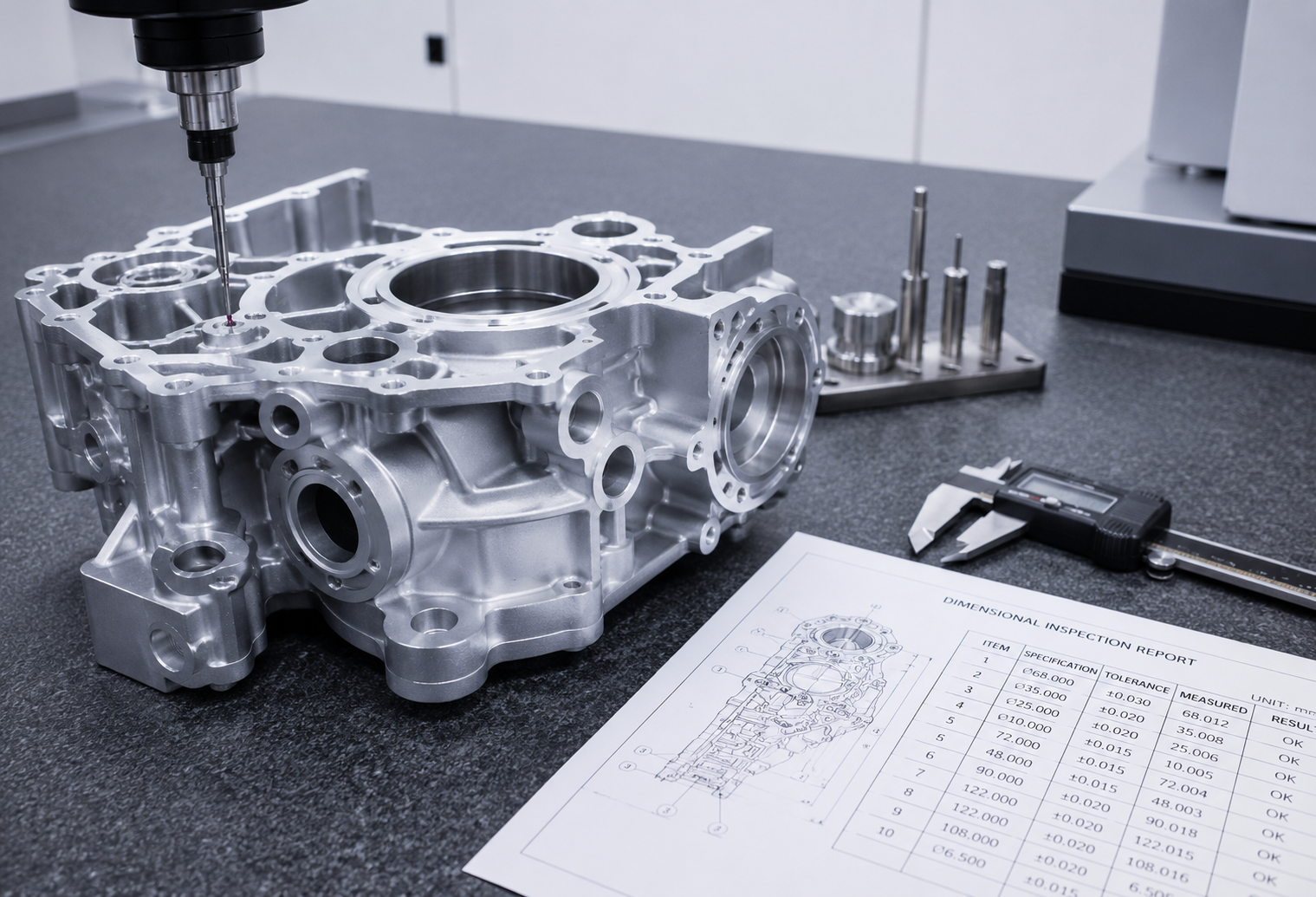
The speed and accuracy of a CNC machining quote depends heavily on what information is submitted alongside the CAD file. Missing details lead to back-and-forth emails, delayed quotes, or inaccurate pricing that changes once full requirements are clarified. Here’s what to include.
1. Submit the Right File Format
- STEP or STP files are the most universally compatible 3D format across CAD systems and are generally preferred for quoting
- Native CAD files (SLDPRT, IPT, PRT) work if the receiving shop uses compatible software
- SAT files are an alternative solid-model format accepted by many machining suppliers
Avoid submitting only 2D PDF drawings without an accompanying 3D model — this makes accurate quoting significantly harder and slower.
2. Include a Dimensioned 2D Drawing
Even with a 3D model, a 2D drawing (PDF or similar) that calls out critical dimensions, tolerances, and surface finish requirements prevents ambiguity. Without it, a supplier has to guess which tolerances actually matter to your application.
3. Specify Material Clearly
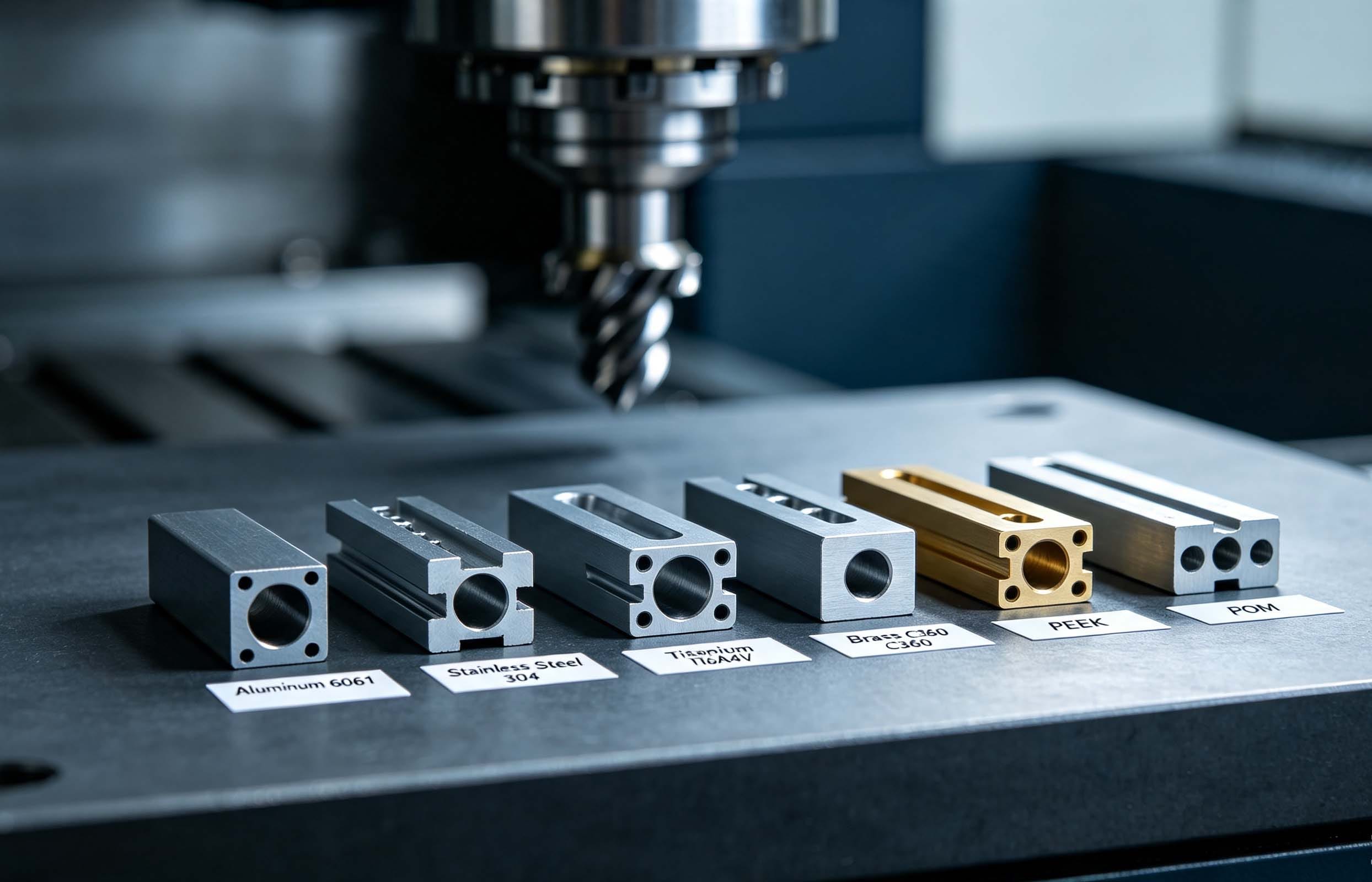
State the exact material grade needed (e.g., “Aluminum 6061-T6” rather than just “aluminum”), since different grades within the same material family have different mechanical properties, cost, and machinability.
4. State the Required Quantity
Pricing per part often changes significantly between a single prototype and a batch of 50 or 500, due to setup time being amortized across more parts. Include your expected quantity, and note if you’re planning future repeat orders.
5. Call Out Surface Finish Requirements
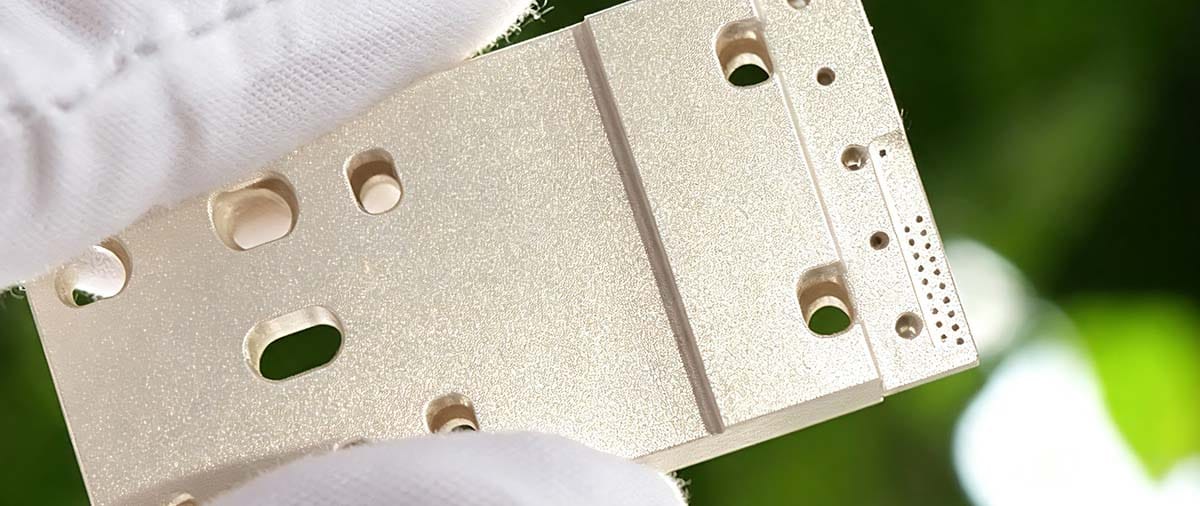
Specify any anodizing, plating, passivation, or coating requirements, including color if applicable. If a finish isn’t specified, most shops will quote the part as raw machined, which may not match your expectations.
6. Note Tolerance-Critical Features
If certain dimensions are more critical than others (mating features, bearing bores, sealing surfaces), flag them clearly rather than applying a blanket tight tolerance to the entire part — this keeps cost down while still protecting function.
7. Mention Inspection or Documentation Requirements
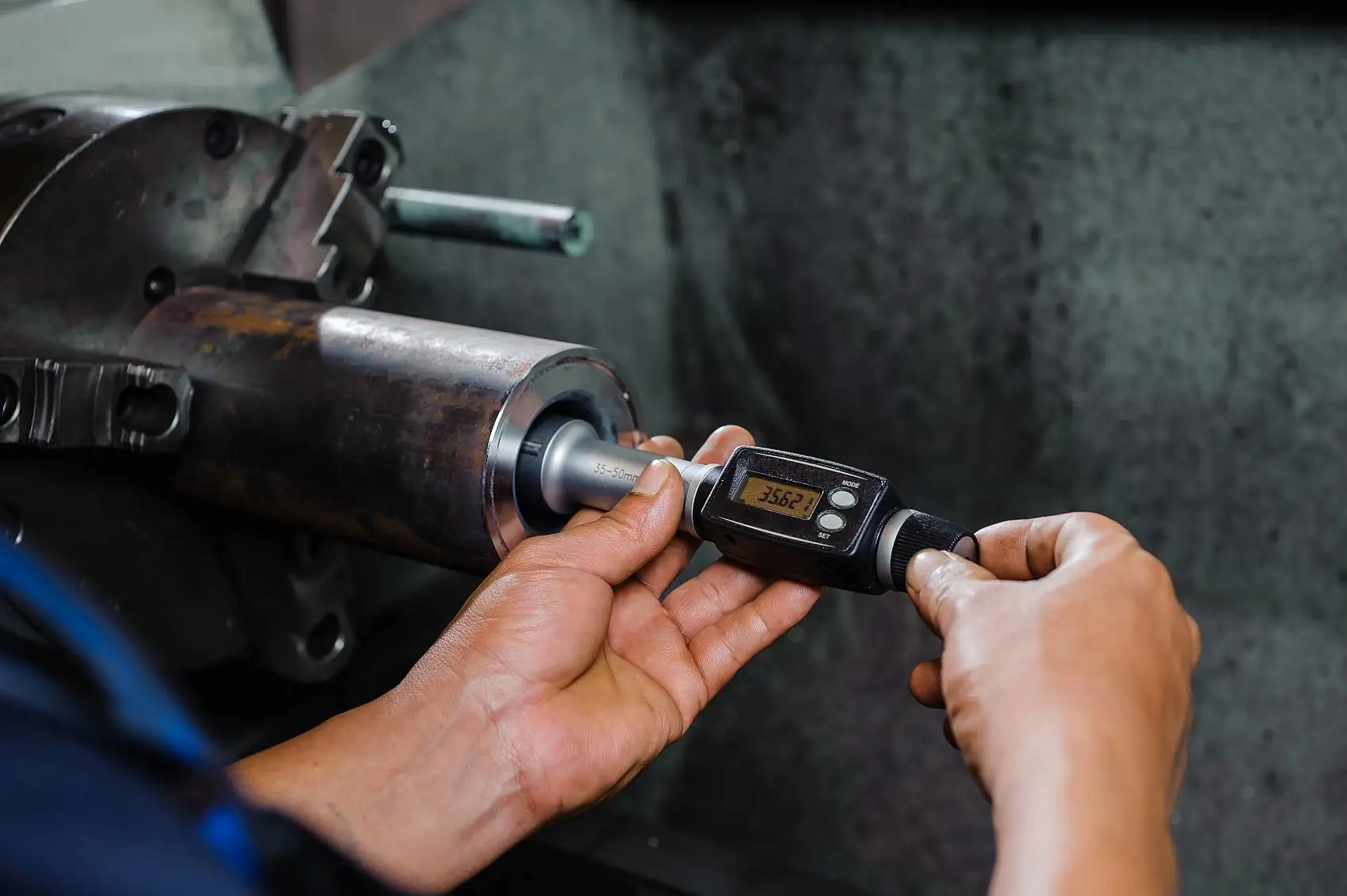
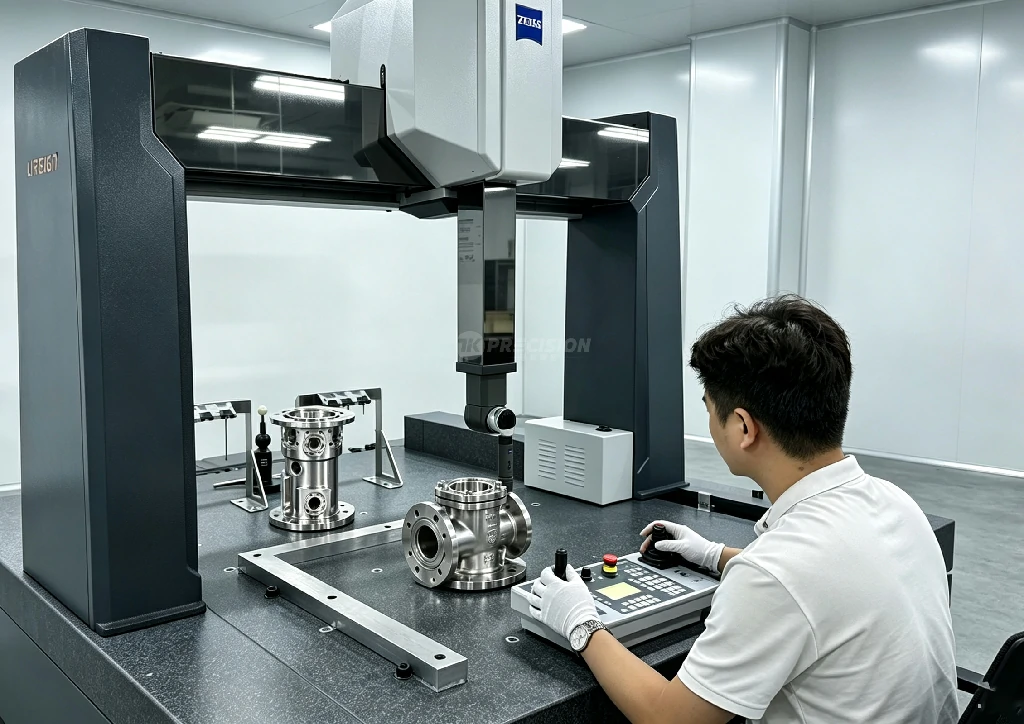
If you need a CMM inspection report, material certificates, or first article inspection documentation, state this upfront so it’s included in the quote rather than added as a surprise cost later.
8. Flag Any Confidentiality Requirements
If your project requires an NDA before sharing files, request this early in the process — most established machining suppliers can accommodate this without significant delay.
Quick Submission Checklist
- 3D CAD file (STEP/STP preferred)
- Dimensioned 2D drawing with tolerances
- Material grade specified
- Quantity (prototype or production)
- Surface finish requirement
- Critical tolerance features flagged
- Inspection/documentation needs noted
- NDA requirement, if applicable
FAQ
What file format is best for getting a CNC machining quote? STEP or STP files are the most widely compatible and preferred format, since they preserve full 3D geometry across different CAD systems.
Do I need a 2D drawing if I already provided a 3D CAD file? Yes, ideally — a 2D drawing with called-out tolerances removes ambiguity about which dimensions are critical, which a 3D model alone doesn’t communicate clearly.
Why does quantity affect the price so much? Machining setup time (fixturing, programming, tool changes) is a fixed cost per job, so spreading it across more parts lowers the per-unit price. A single prototype absorbs the full setup cost alone.
What if I don’t know what tolerance to specify yet? Submit your files with your best estimate and note that you’re open to DFM feedback — a good engineering review will flag features that need discussion before finalizing the tolerance.
Ready for a quote? Upload your CAD files, material, quantity, and finish requirements to get started — our engineering team typically responds within 2 hours for complete submissions.